 UsettaHelp Center
Book appointments and viewings
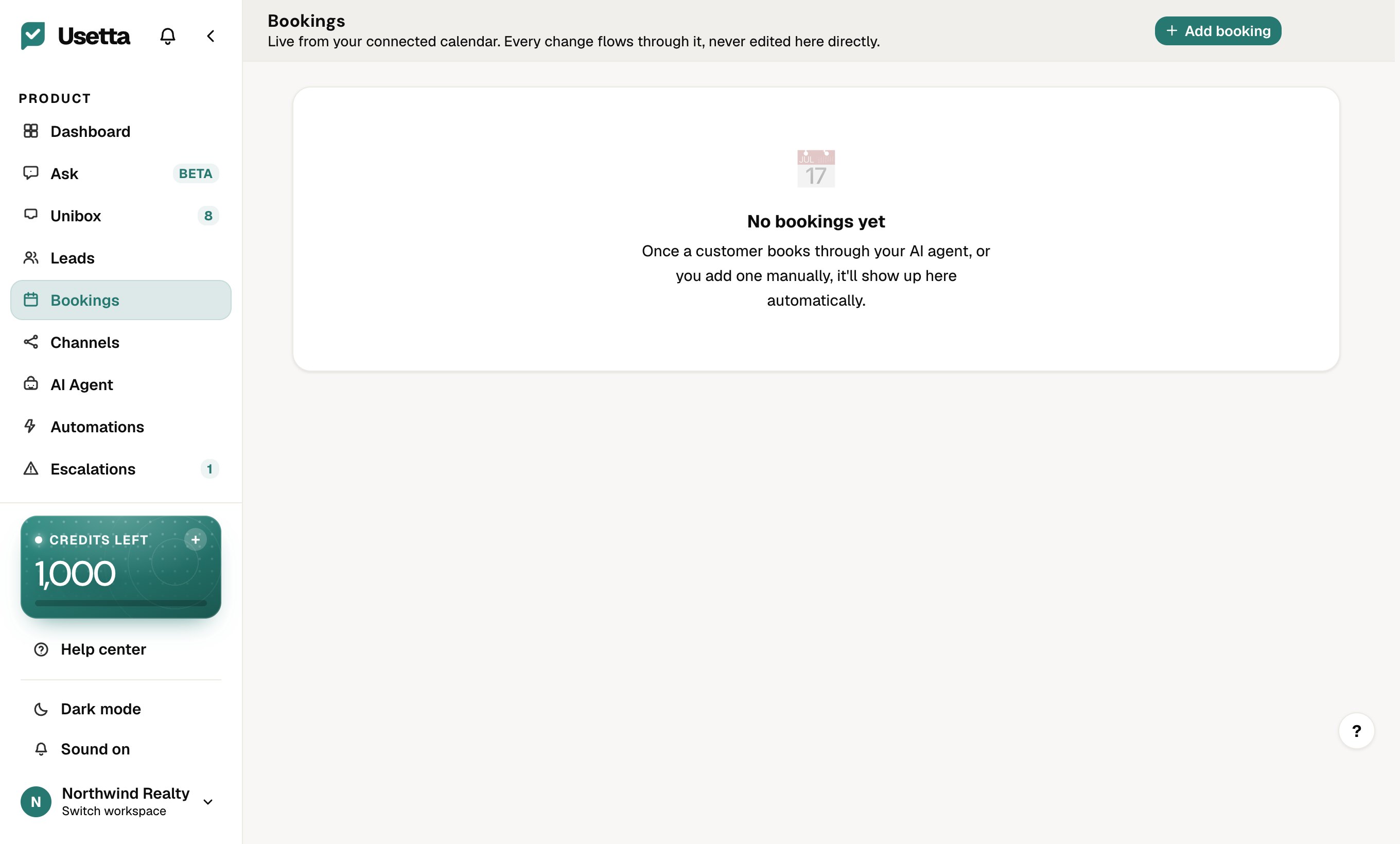
Open Bookings to see appointments the AI has booked, and to connect your calendar.
- Open Bookings in the left menu. If no calendar is connected, a banner at the top reminds you: without it, the AI cannot offer real available times. Connect Google Calendar (or Cal.com) from that banner.
- Set your availability in your calendar.
How it works in a chat
When a customer asks to book or see something, the AI offers real free times from your calendar, confirms the time they pick, and creates the event. The booking appears on the Bookings page, and the person’s stage becomes Booked.
Tip: Keep your calendar up to date. The AI trusts it.
Did this answer your question?
Thanks for telling us. If something is missing, email hello@usetta.com.