 UsettaHelp Center
Comment-to-DM automations
A comment-to-DM automation turns a comment into a conversation. A typical post ends with “Comment GUIDE and I’ll send it to you”. Usetta does the rest:
- Someone comments GUIDE on your post or reel.
- Usetta replies to the comment, for example “Check your DMs”.
- Usetta sends them a private message with what you promised.
- If they reply, the AI continues the conversation, and they become a lead.
Create one
Each automation does one thing. For comment-to-DM you create two automations with the same keyword: one that replies to the comment, and one that sends the private message.
-
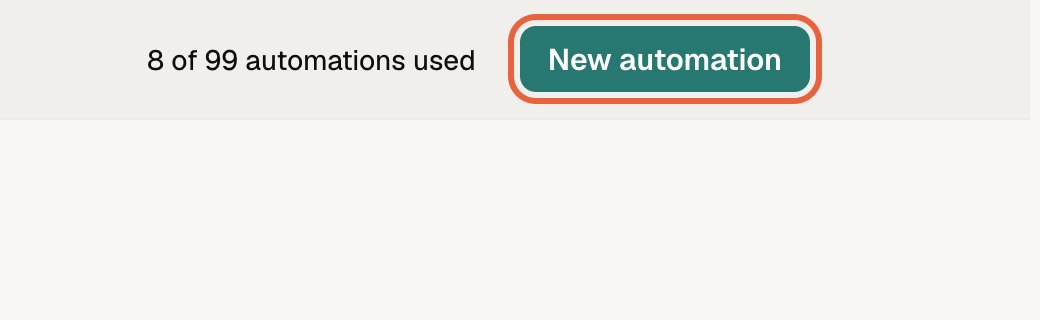
Open Automations in the left menu and press New automation.
-
Keep Simple: one reply selected.
-
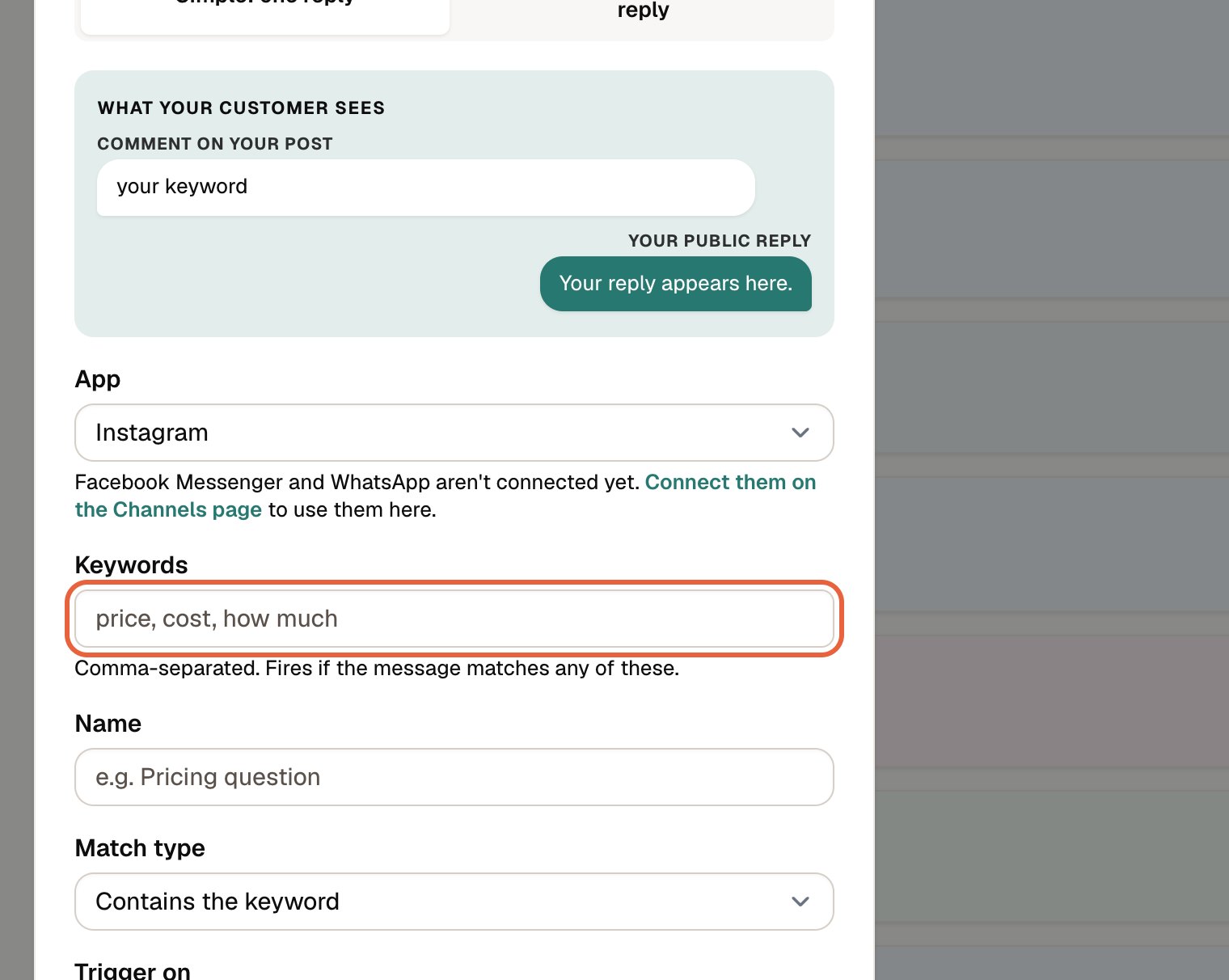
Fill in the form:
- App: Instagram.
- Keywords: the word people comment, for example
GUIDE. Use commas for more than one. - Name: anything that helps you find it, such as “Guide: DM”.
- Match type: Exact match only (the comment must be only that word) or Contains the keyword.
- Trigger on: Public comments.
- Action: Reply to the comment publicly for the public reply, or Send a DM for the private message.
- Response: the text to send.
-
Leave Enabled ticked and press Create automation.
-
Repeat for the second one, with the other Action.
Tip: The pair counts as one keyword against your limit. See How many automations can I have?.
Writing a good message
- Deliver what you promised in the first line.
- Add white space between short paragraphs. It reads better on a phone.
- End with one question, so the person has a reason to reply.
Tip: An automation listens to all posts and reels on the connected Instagram account, so use a different keyword for each offer.