 UsettaHelp Center
Teach the AI about your business
Open AI Agent. This page is what the AI knows and how it behaves.
- Open AI Agent in the left menu.
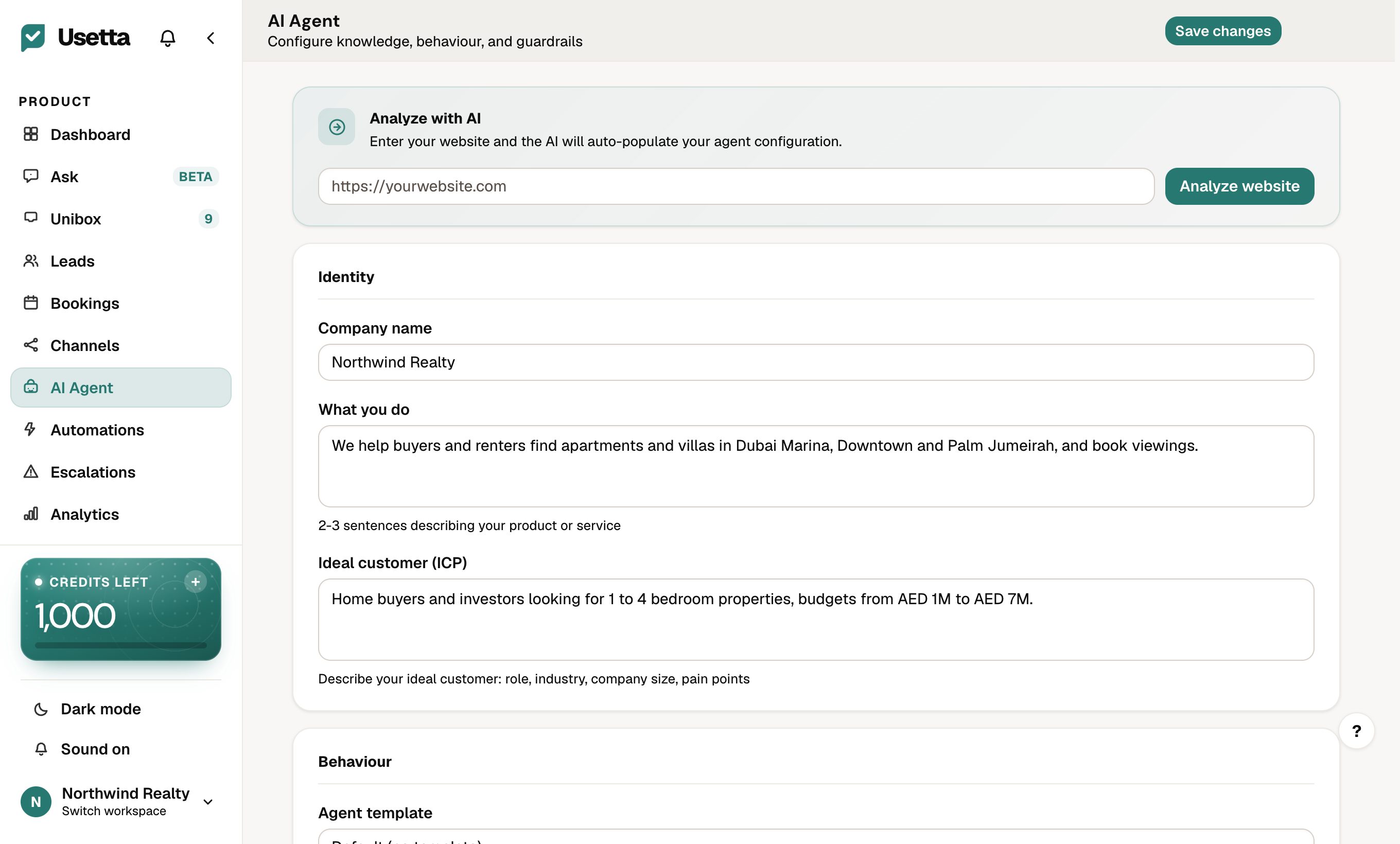
The quick way
Type your website address into Analyze with AI and press Analyze website. Usetta reads the site and fills in the form. Always read and edit the result.
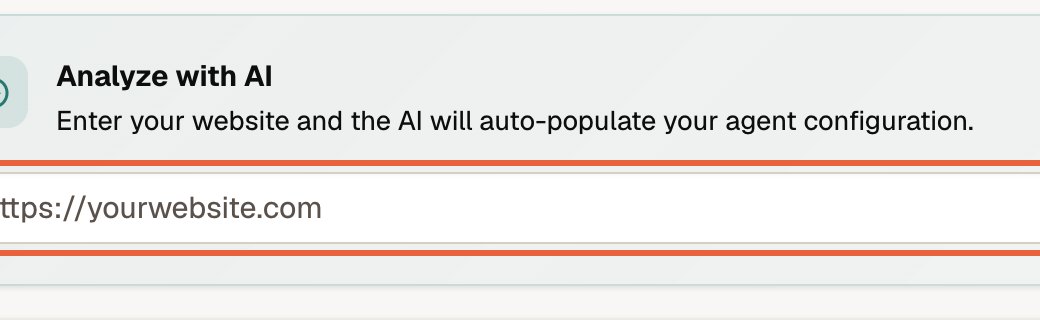
The fields
Start with the first three, in the Identity section:
| Field | What to put |
|---|---|
| Company name | How you want the AI to refer to your business. |
| What you do | Two or three sentences describing your product or service. |
| Ideal customer (ICP) | Who you serve: role, industry, size, and what they struggle with. |
| Tone | How the AI should sound, such as friendly or professional. |
| Conversation goal | What a successful chat ends in: a booking, a demo, a trial sign-up. |
| Conversion link | The link the AI shares when someone is ready, such as your booking page. |
| Product knowledge | Facts the AI should use: opening hours, services, policies, delivery. |
| Pricing handle | How to talk about prices: share them, give a range, or move to a call. |
| Objection playbook | How to answer common pushback such as “too expensive”. |
| Social proof | Real reviews or results you are happy to quote. |
| Do not say | Words, promises or topics the AI must never use. |
| Extra instructions | Anything else, in plain words. |
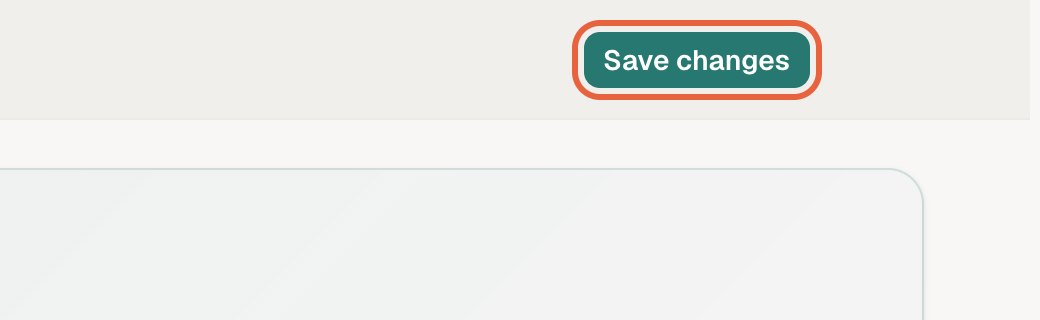
Press Save changes (top right). The AI uses the new settings on its next message.
Tip: Only write things that are true. The AI repeats what you give it, so never add a discount, guarantee or result you cannot honour.
Did this answer your question?
Thanks for telling us. If something is missing, email hello@usetta.com.