 UsettaHelp Center
Keep your account secure
Two-factor authentication
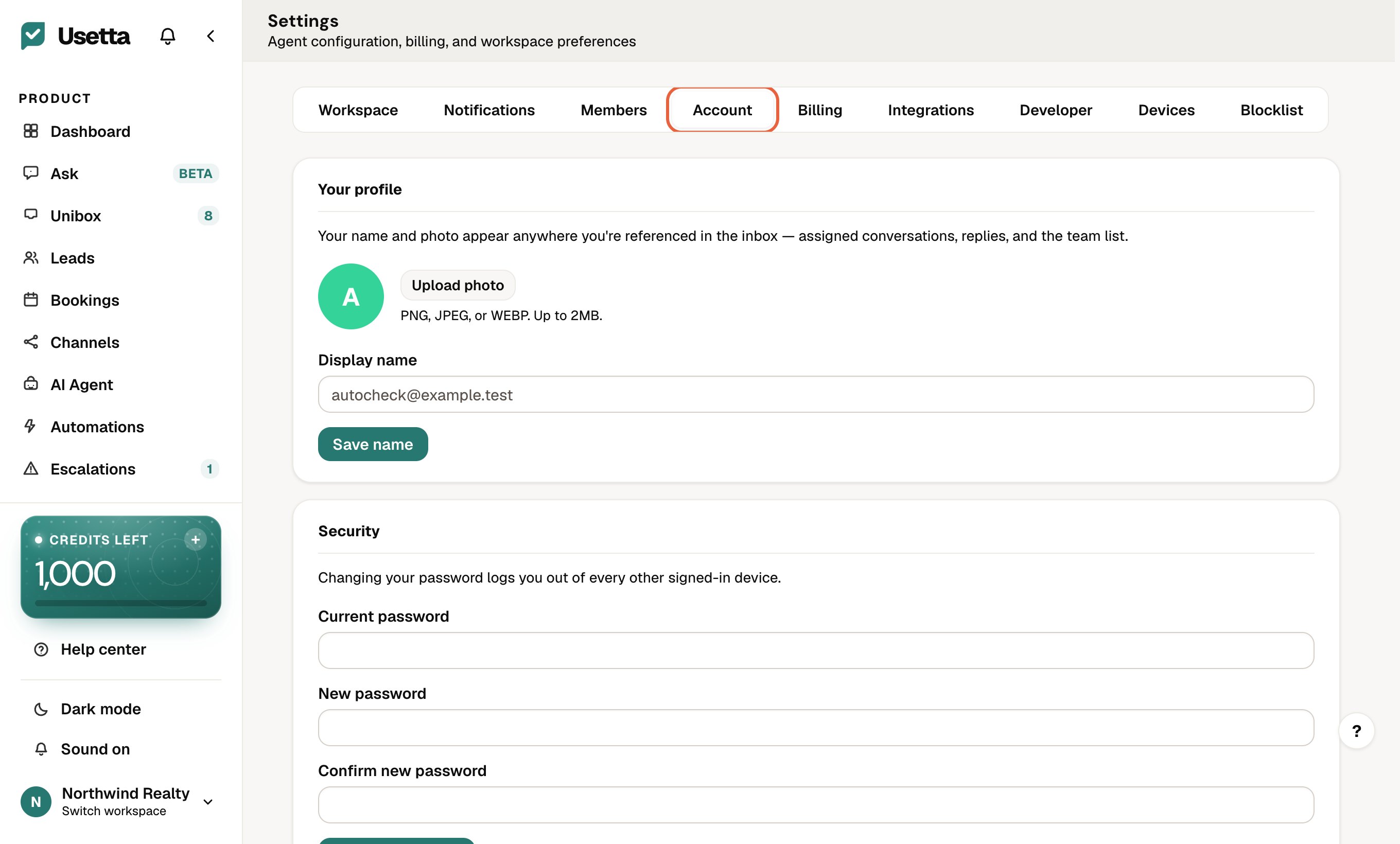
Open Settings, go to the Account tab and set up two-factor authentication.
 You scan a code with an authenticator app, then confirm with a code from the app. From then on, signing in needs your password and a code.
Passwords
Use a long, unique password. You can change it in Settings → Account. If you forget it, use Forgot password on the sign-in page.
Your team
Only invite people who need access, and remove anyone who leaves. See Invite your team.
Did this answer your question?
Thanks for telling us. If something is missing, email hello@usetta.com.