 UsettaHelp Center
Invite your team
-
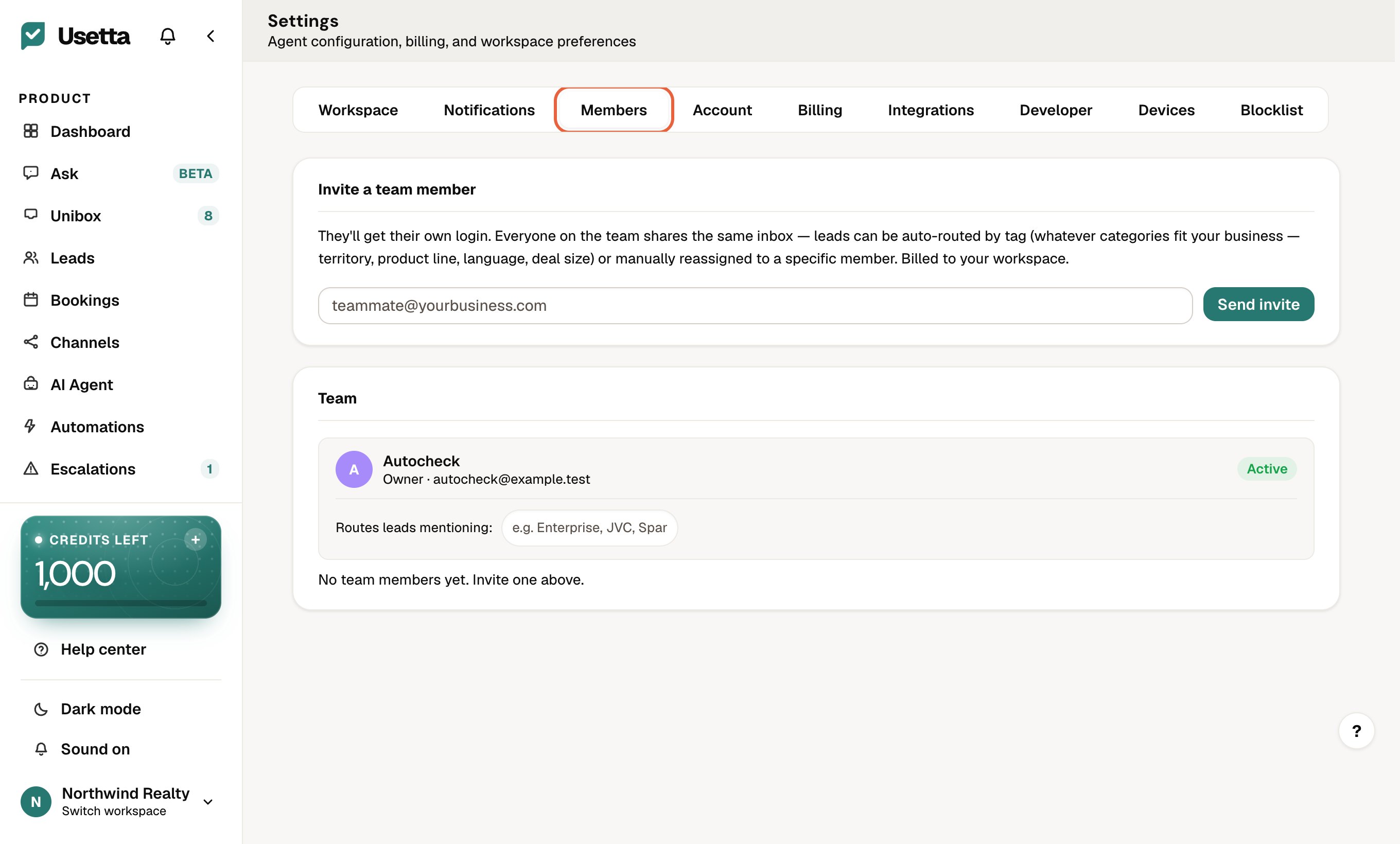
Open Settings in the left menu and go to the Members tab.
-
Under Invite a team member, type your teammate’s email address and press Send invite.
-
They get an email, accept it, and join your workspace. They then appear under Team.
You can then Assign any chat to a teammate from the Unibox and filter by Mine and Unassigned.
Extra seats are available as an add-on. See The plan and the free trial.
Did this answer your question?
Thanks for telling us. If something is missing, email hello@usetta.com.