 UsettaHelp Center
Taking over a chat: stop the AI replying
Sometimes you want to talk to someone yourself: a friend, a partner, or a customer who needs a personal touch. There are two ways to keep the AI out of a conversation.
1. Just reply yourself
When you send a reply from the Unibox, the AI stays quiet on that person for 24 hours. After that it can pick the chat up again. Everything they write meanwhile is still recorded in your Unibox.
2. Press Don’t reply
-
Open the person’s chat in the Unibox.
-
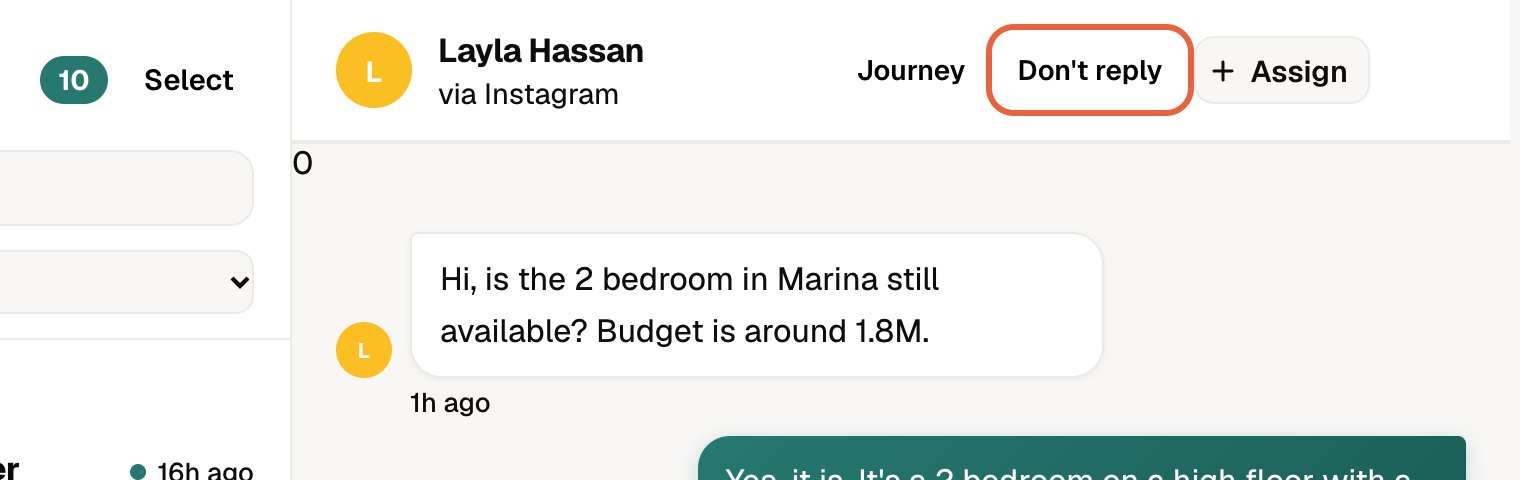
In the chat header, press Don’t reply.
-
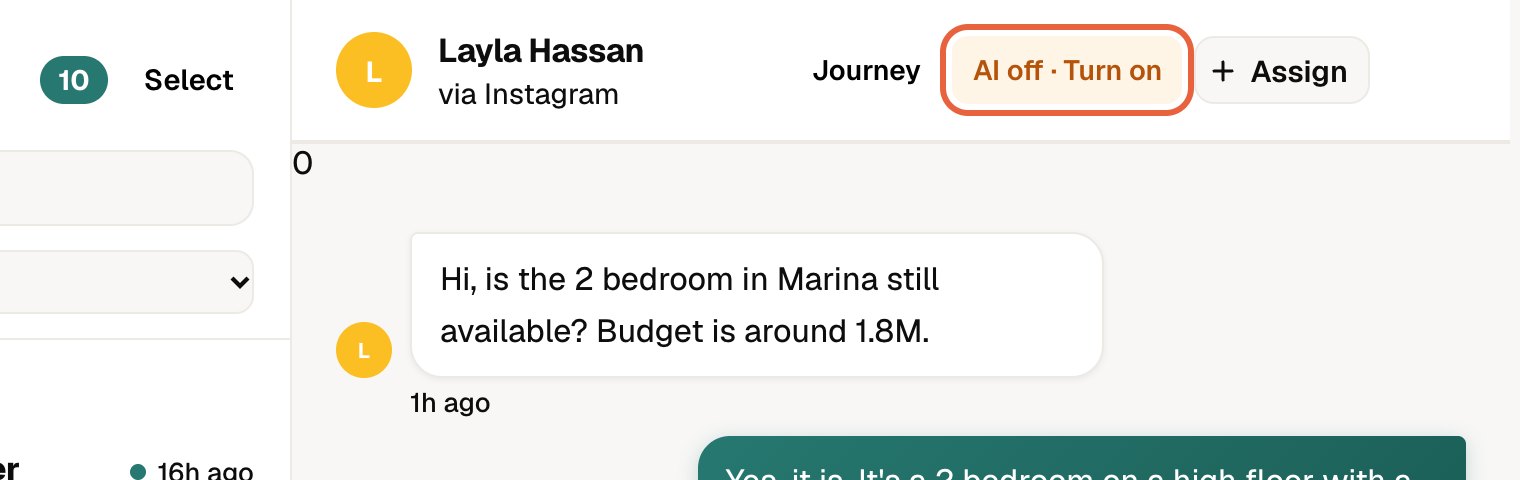
The button changes to AI off · Turn on. The AI will never reply to this person, not even with a draft, until you turn it back on.
-
To bring the AI back, press AI off · Turn on.
After an automatic pause the button reads AI paused · Resume, and pressing it brings the AI back straight away.
Good to know
- Messages from that person still appear in your Unibox.
- Follow-up nudges are also paused for them.
- If you answer from the Instagram or WhatsApp app itself, Usetta may not see your reply. If you plan to take over that way, press Don’t reply first.
Did this answer your question?
Thanks for telling us. If something is missing, email hello@usetta.com.