 UsettaHelp Center
Add documents to the knowledge base
The AI Agent form is for short facts. For longer material, add a knowledge document.
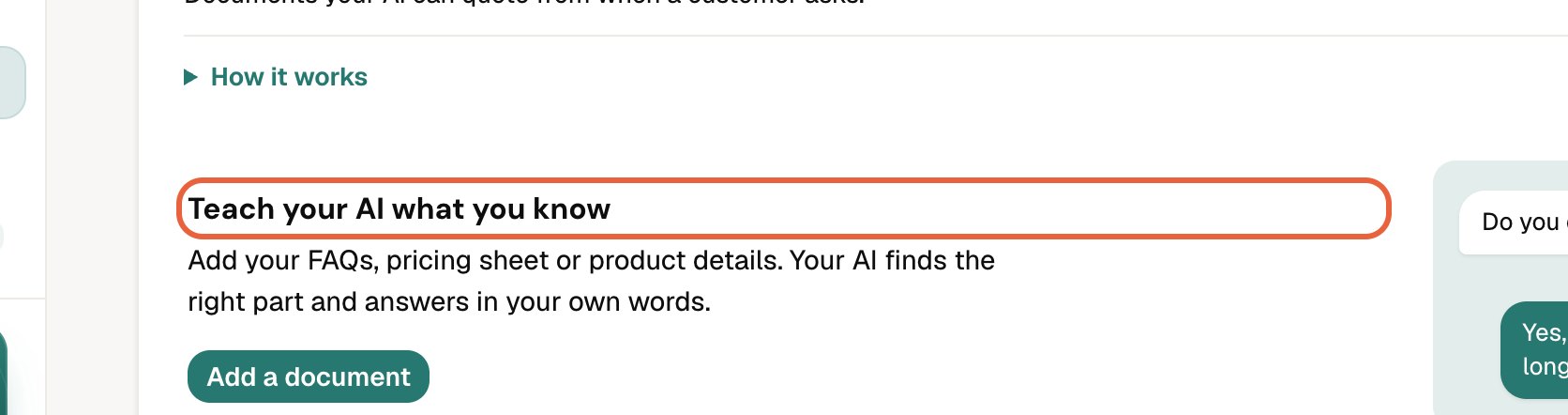
- Open AI Agent and scroll to Teach your AI what you know (the knowledge base).
- Press Add a document.
- Give the document a title, then paste the text.
- Save.
You can add up to 50 documents, each up to about 40,000 words. Good candidates: an FAQ, a price list, a delivery or returns policy, a services menu, a building or area guide.
The AI reads these when a question needs them. If a document changes, edit it and save: replies use the new version straight away.
Tip: Write documents as questions and answers in plain language, the way customers ask them.
Did this answer your question?
Thanks for telling us. If something is missing, email hello@usetta.com.