 UsettaHelp Center
Your first 30 minutes: quick start
You can be live the same day. Here is the order that works best.
1. Create your workspace (about 3 minutes)
Sign up at app.usetta.com and answer a few questions: your industry, your main goal (qualify leads, book appointments, get trial sign-ups), the tone you want, and whether the AI should start in autopilot or approval mode. If you are unsure, choose approval mode: you read every reply before it goes out.
Usetta Pro includes a 3-day free trial, and you can cancel any time. See The plan and the free trial.
2. Teach the AI about your business (10 minutes)
-
Open AI Agent in the left menu.
-
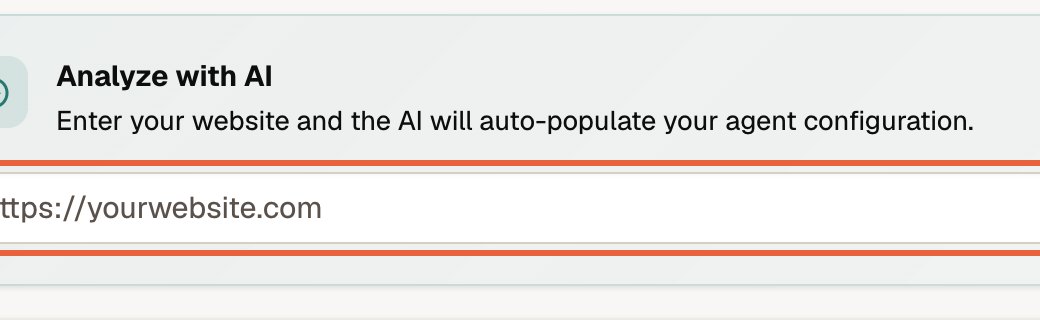
Type your website address into the box at the top and press Analyze website. Usetta reads your site and fills in the form for you.
-
Read what it wrote and fix anything that is wrong.
-
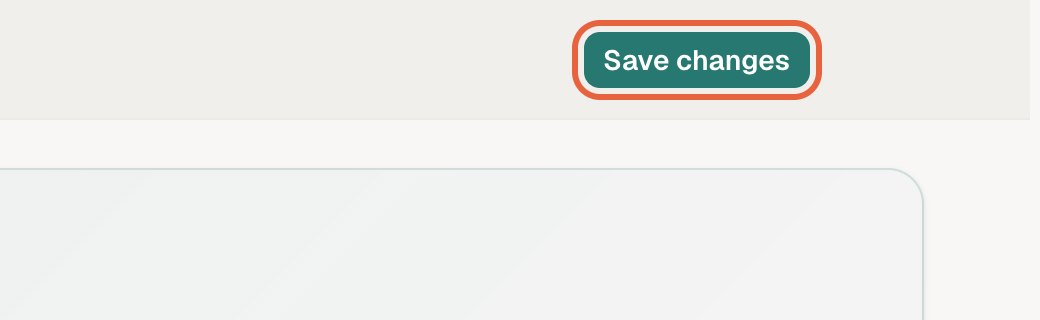
Press Save changes (top right).
Teach the AI about your business covers every field.
3. Connect a channel (5 minutes)
Open Channels and press Connect next to WhatsApp, Instagram or Messenger, or add the chat to your website.
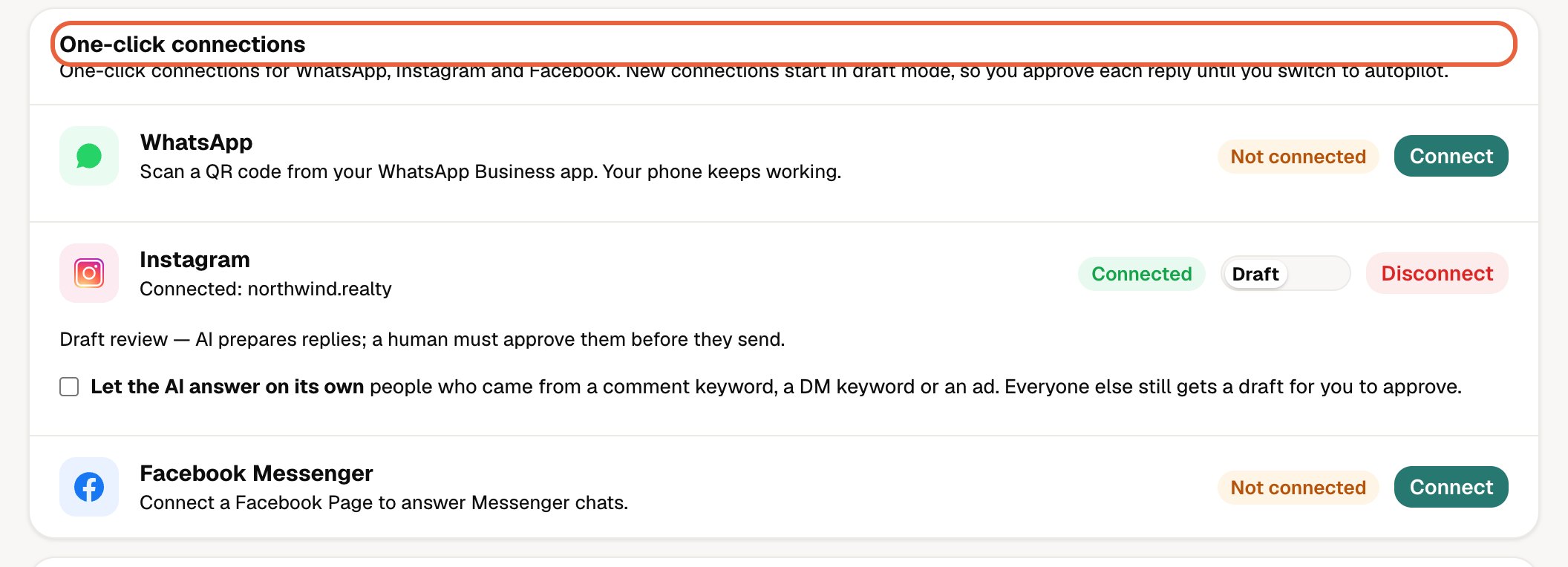
See Connecting your channels for each one.
4. Send yourself a test message
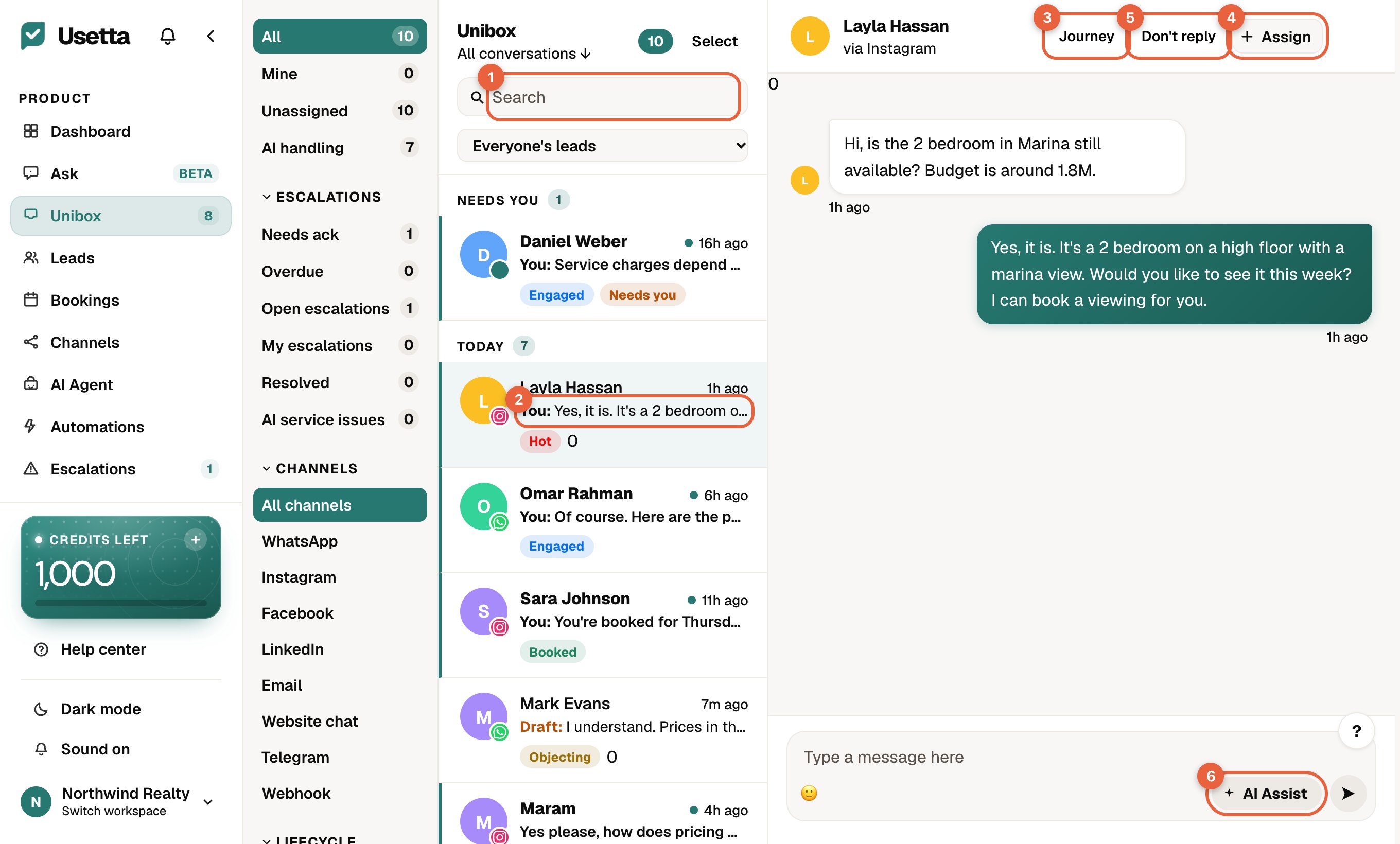
From a different phone or account, message your business and watch it arrive in the Unibox. In approval mode the reply appears as a draft with an Approve & send button.
5. Add listings, products or a calendar (optional)
If you sell listings or products, add them on the Listings page. To let the AI book appointments, connect your calendar on the Bookings page.
Tip: Ask a few real questions your customers ask. Whatever the AI gets wrong, fix by adding that answer to the AI Agent page.