 UsettaHelp Center
The AI is not replying
Check these, in order.
-
Is the channel in approval mode? Then replies wait as drafts in the Unibox for you to approve. See Autopilot or approval mode?.

-
Is the channel connected? On Channels, it should say Connected. If not, reconnect it.
-
Is it paused for this person? If you pressed Don’t reply, or replied yourself in the last 24 hours, the chat header shows AI off or AI paused. Press the button to resume.
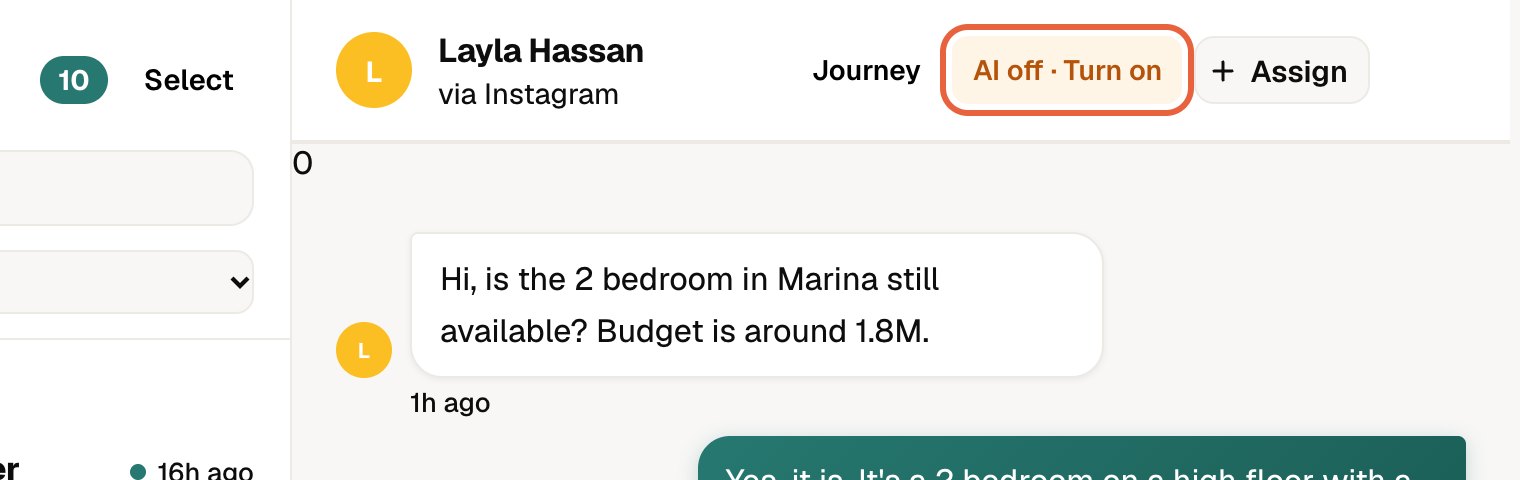 See Taking over a chat.
 -
Has it been handed to a person? Check Escalations. The AI only prepares drafts until you resolve it.
-
Have you used all your conversations? See Conversations and credits.
-
Did the person opt out or are they blocked? A customer who replied STOP, or a number on your blocklist, gets no reply.
-
Is the platform’s reply window closed? Instagram and Messenger allow replies for a limited time after the customer’s last message.
Still stuck? Email hello@usetta.com with the person’s name and the time of their message.