 UsettaHelp Center
When the AI hands a chat to you
An escalation is a chat the AI has passed to a person, because the customer asked for one or the message needs your judgement.
What you will see
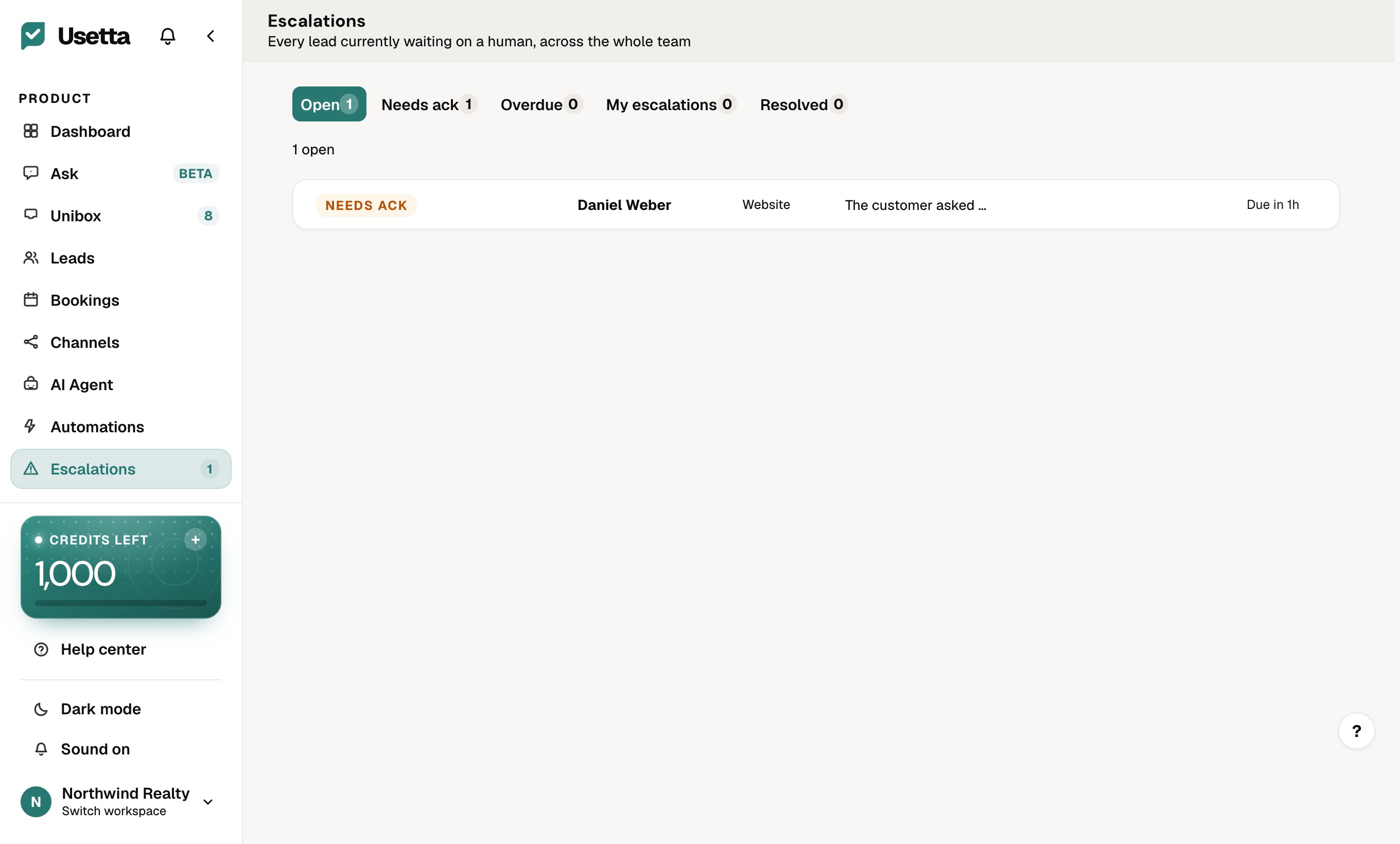
- The chat appears on the Escalations page and in the Unibox under Escalations.
- You get an alert by email and in the app.
- The chat shows why it was escalated.
What the AI does meanwhile
It does not send replies by itself on that chat. It prepares draft replies, so you can answer quickly and nothing is lost.
Handling it
- Open the chat and read the reason.
- Press Acknowledge so your team knows someone is on it.
- Reply to the customer.
- Press Resolve when you are done. The AI can then carry on with that person.
Each escalation has a response-time target, and you are alerted again if it is missed.
Did this answer your question?
Thanks for telling us. If something is missing, email hello@usetta.com.