 UsettaHelp Center
The lead journey
-
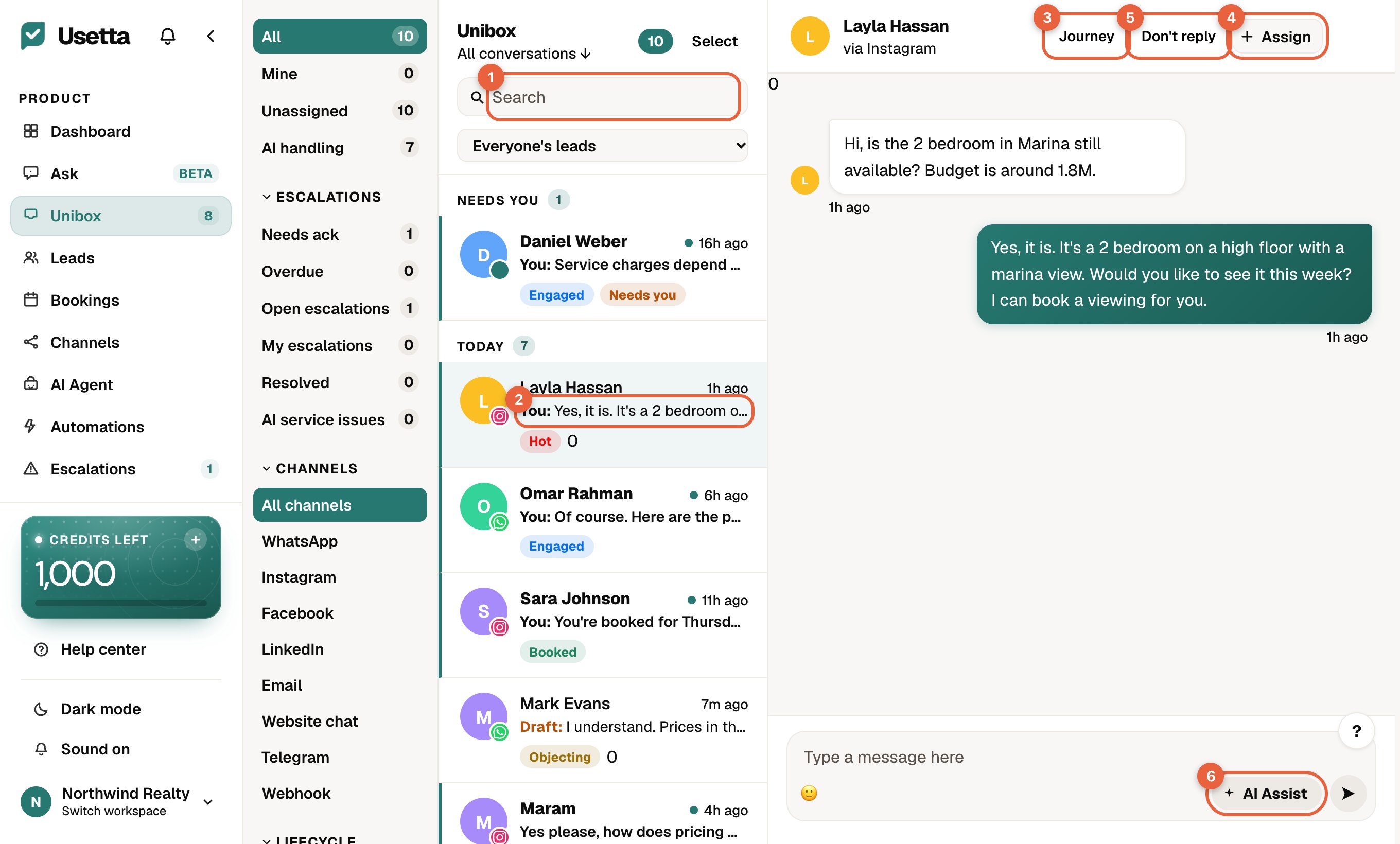
Open any chat in the Unibox.
-
Press Journey in the chat header.
-
The person’s timeline opens on the right.
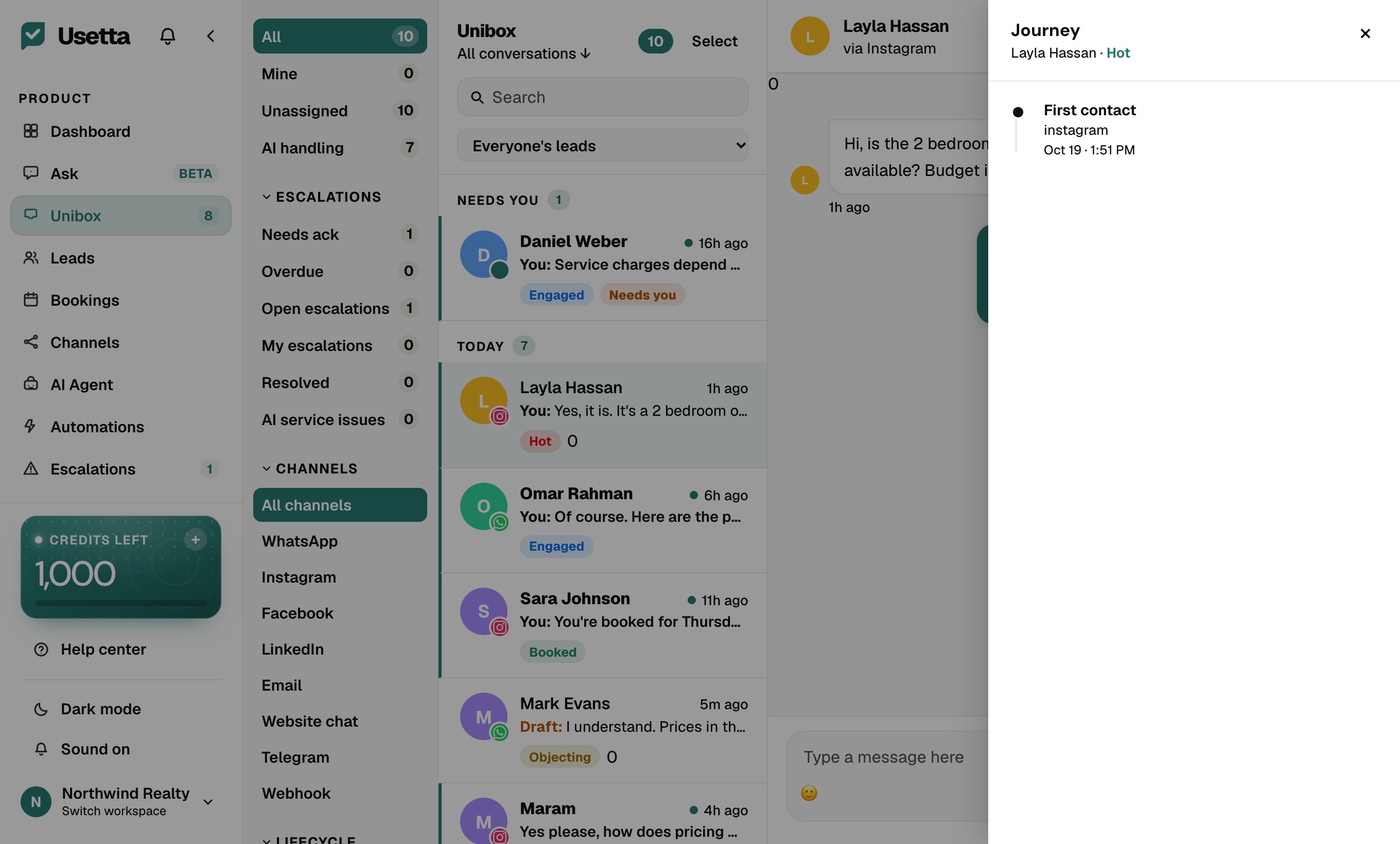
It collects, in order:
- when they first wrote, and on which channel,
- how they arrived, for example Came from a Meta ad or Commented on a Meta ad,
- the keyword automation that messaged them,
- bookings and changes to their stage,
- hand-offs to a person.
It is the quickest way to see why someone is in your inbox and what has already been done for them.
Did this answer your question?
Thanks for telling us. If something is missing, email hello@usetta.com.