 UsettaHelp Center
The Leads page
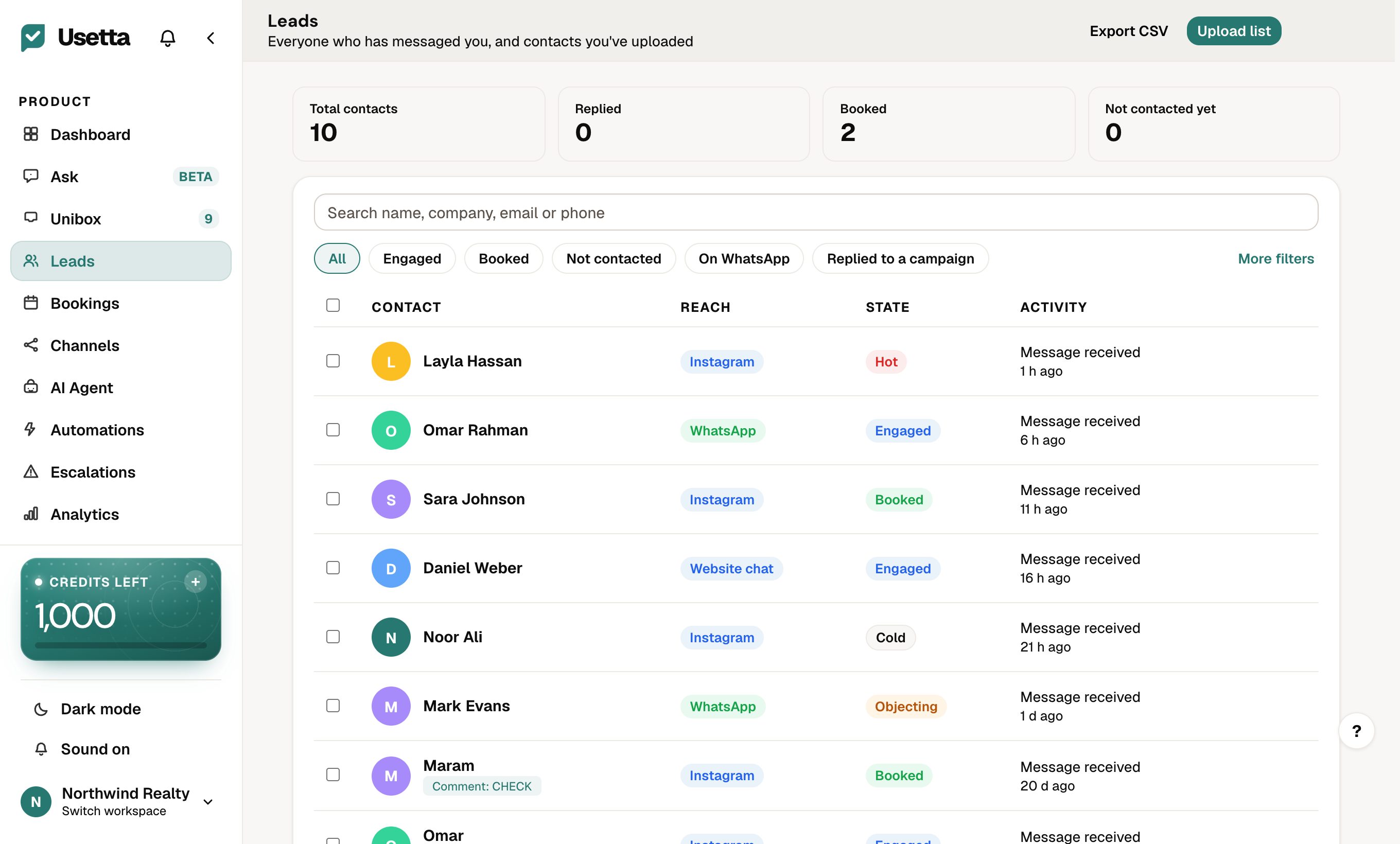
Leads lists every person who has messaged you, plus any contacts you uploaded.
The numbers at the top
Total contacts, Replied, Booked and Not contacted yet (uploaded contacts nobody has messaged).
Filter quickly
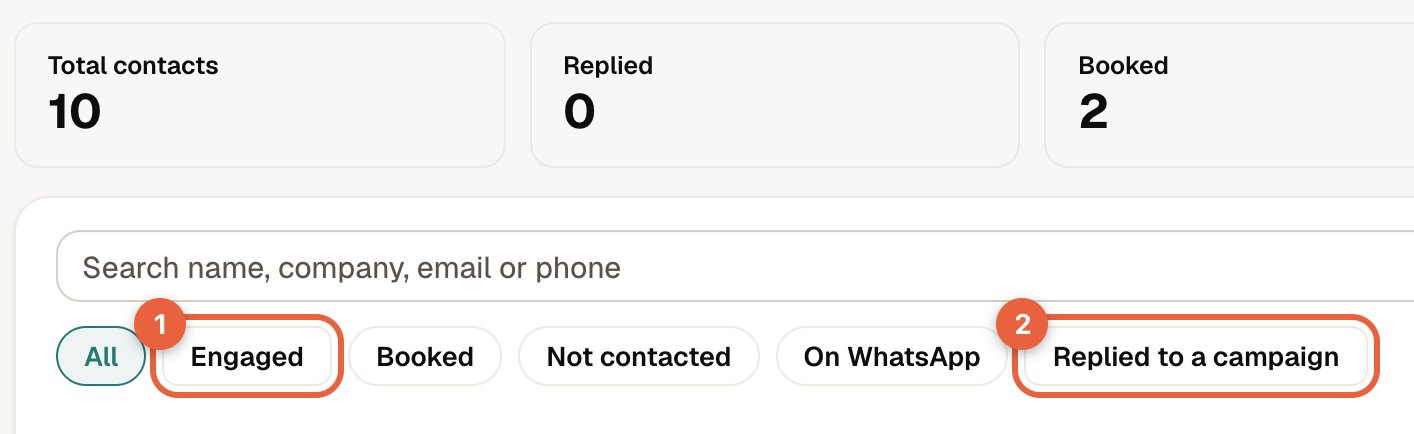
The chips under the search box narrow the list in one tap: Engaged, Booked, Not contacted, On WhatsApp and Replied to a campaign. More filters opens the rest.
What each row shows
- Contact: name and photo, plus small tags such as the comment keyword they used or the ad they came from.
- Reach: the channel they use.
- State: their stage.
- Activity: the last thing that happened, for example “Message received 1 h ago”.
Use Export CSV to download the list, or Upload list to add contacts you already have.
Did this answer your question?
Thanks for telling us. If something is missing, email hello@usetta.com.